What Happens After Someone Downloads Your Lead Magnet?
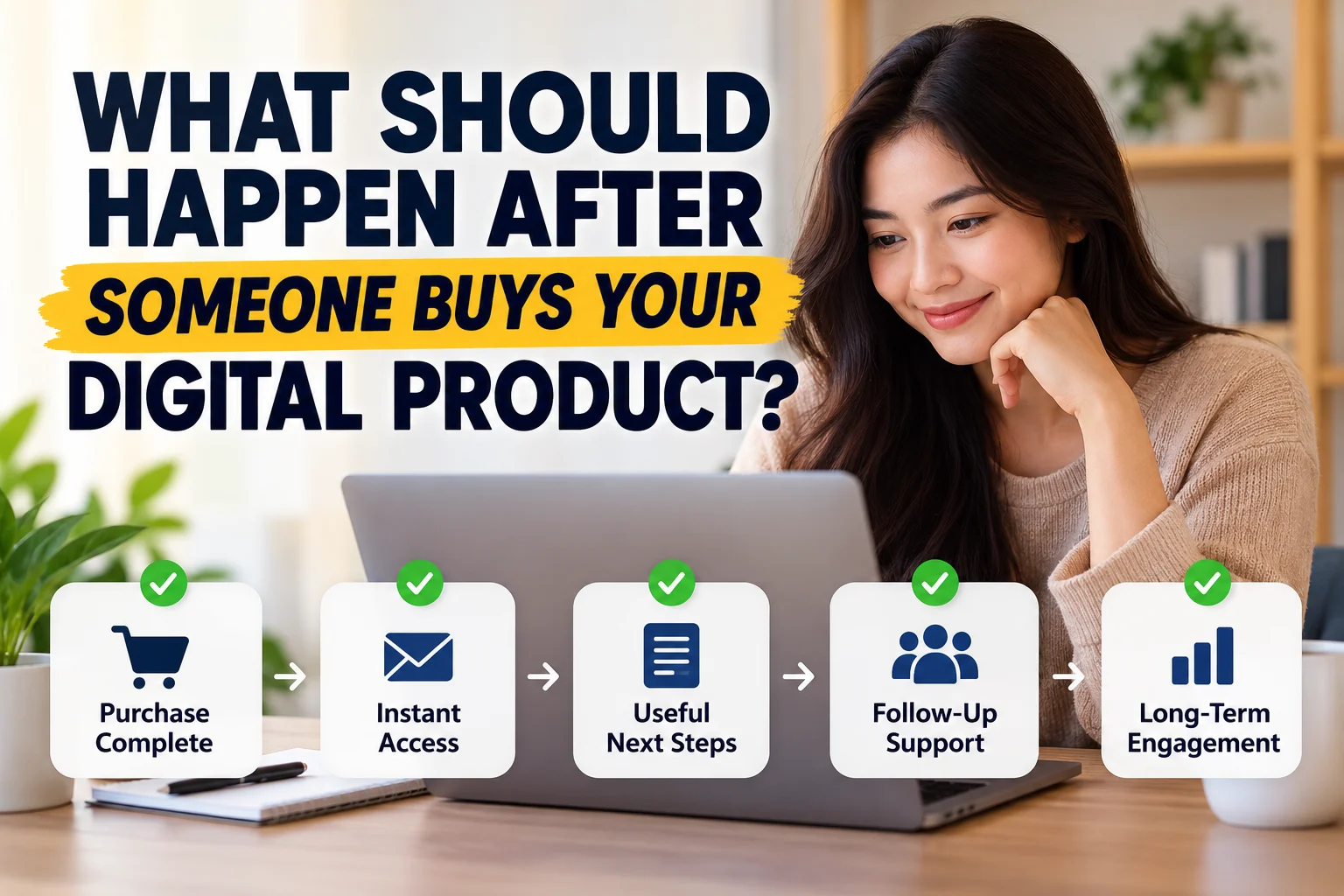
Getting someone to download your lead magnet is not the end of the funnel. It is the beginning of your relationship with a new subscriber.
The person has already told you something useful: they are interested enough in a specific problem or topic to exchange their email address for your resource. What happens next should help them receive what they requested, understand who you are, and decide whether your future emails are worth opening.
A simple post-download flow should do four things: deliver the lead magnet, confirm what the subscriber signed up for, help them use it, and give them a relevant next step.
What Should Happen After Someone Downloads Your Lead Magnet?
A practical beginner workflow looks like this:
Opt-In → Delivery → Welcome → Useful Follow-Up → Relevant Next Step
You do not need to force every subscriber into an aggressive sales sequence. Start by making the promised resource easy to access and keeping the next few messages connected to the reason they subscribed.
1. Deliver the Lead Magnet Reliably
The first job is simple: give people what you promised.
Depending on your setup, the lead magnet might be available on a confirmation or thank-you page, sent through an automated email, or provided through both.
If you use email delivery, the first message should make the download or access link easy to find. Do not bury it below a long introduction, several promotions, and multiple unrelated links.
Before publishing the opt-in, test the flow yourself. Submit the form with an email address you can access, open the delivery message, click the link, and verify that the correct resource opens.
2. Remind the Subscriber Why They Are Hearing From You
A new subscriber may not remember your brand name as clearly as they remember the free checklist, template, guide, or other resource they requested.
Your first email should provide enough context to reconnect those two things.
For example, briefly mention:
- what they signed up for;
- where to access it;
- who the email is from;
- what kind of useful emails they can expect next.
This is more useful than starting with a long company history. The subscriber’s immediate priority is still the resource they requested.
3. Help Them Actually Use the Lead Magnet
Delivery is not the same as usefulness.
A checklist sitting in a downloads folder does not help anyone until they apply it. Your follow-up can reduce that gap by showing the subscriber how to get a quick result from the resource.
If the lead magnet is a checklist
Point out the first two or three items to complete rather than repeating the entire checklist in an email.
If it is a template
Explain what to customize first, what software is required, and any common setup mistake to avoid.
If it is a guide or ebook
Recommend the most relevant section to start with or highlight one practical action the reader can complete today.
If it is a spreadsheet or calculator
Explain what information to enter first and what the output is meant to help them understand.
This kind of follow-up makes the email useful even if the subscriber is not ready to buy anything.
4. Keep the Next Emails Connected to the Original Topic
If someone downloaded a guide about launching a digital product, immediately sending unrelated productivity tips or a generic company newsletter can feel disconnected.
Use the lead magnet topic as your starting context.
Your next messages might:
- answer a common question that comes after using the resource;
- explain one part of the topic in more depth;
- share a related tutorial or article;
- help the subscriber avoid a common mistake;
- introduce the logical next step when one exists.
You can broaden the relationship over time. The first few interactions are simply easier to understand when they follow naturally from what caused the signup.
5. Do You Need a Welcome Email Sequence?
Not every lead magnet needs a long sequence, but relying on a download email and then disappearing can waste the context created by the signup.
A small sequence gives you room to separate different jobs instead of trying to fit delivery, introduction, education, and an offer into one crowded message.
There is no universal number of emails that every business must send. The right length depends on what the subscriber requested, how often you normally email, the complexity of the topic, and what useful next step you actually have.
Do not add emails simply to reach a predetermined sequence length. Every message should have a clear reason to exist.
A Simple Lead Magnet Follow-Up Structure
If you are starting from scratch, you can think in terms of message purpose rather than a rigid formula.
- Deliver: provide the promised resource and confirm the signup.
- Help: show the subscriber how to get value from it.
- Expand: answer a related question or teach the next useful concept.
- Guide: offer a relevant next step when it genuinely fits.
Those jobs might require two emails for one business and several for another. What matters is the progression, not hitting an arbitrary count.
6. Decide What the Next Step Should Be
Before writing follow-up emails, decide where the subscriber can reasonably go next.
The answer does not always have to be a paid product.
A useful next step might be:
- reading a related article;
- replying to a simple question;
- watching a tutorial;
- using another relevant resource;
- joining a webinar;
- booking a consultation;
- trying a software tool;
- viewing a paid product that solves the next problem.
The strongest next step is usually the one that makes sense after the lead magnet. A subscriber who downloaded a beginner checklist may need education before an advanced offer. Someone who requested a buying guide may already be closer to making a decision.
7. Use Subscriber Behavior When It Is Helpful
You do not have to send every subscriber exactly the same follow-up forever.
Many email marketing tools can organize subscribers by the form they used, the group they joined, or actions such as clicking a link. This can help you keep later messages relevant.
For example, a subscriber who clicked the lead magnet download link might continue to your normal follow-up, while someone who did not click could receive a simple reminder with the access link again.
Keep the first version of your automation manageable. Complex branching is not automatically better if you cannot maintain or understand the workflow.
8. What If You Have Multiple Lead Magnets?
You do not necessarily need a completely separate long email sequence for every free resource.
A practical setup is to customize the beginning based on the lead magnet and then move subscribers into a broader welcome or newsletter flow once the initial context has been handled.
For example:
Lead Magnet A → Relevant Delivery/Follow-Up → Main Newsletter
Lead Magnet B → Relevant Delivery/Follow-Up → Main Newsletter
This keeps the initial experience relevant without forcing you to maintain dozens of nearly identical automations.
9. Where Does Email Software Fit?
You can deliver a simple lead magnet manually when your list is tiny, but automation becomes useful when you want subscribers to receive the correct resource without waiting for you.
An email marketing platform can typically help connect the signup form, subscriber organization, delivery email, follow-up messages, and basic automation rules.
For example, MailerLite currently supports lead-magnet delivery through an opt-in thank-you page or an automation workflow. Its automation examples also show workflows triggered by a subscriber joining a group or completing a form, with conditions that can change the next step based on whether a download link was clicked.
That makes it one possible implementation for an email-first workflow. It is not a requirement: if your existing email platform already handles forms, delivery, and follow-up reliably, you may not need to switch tools.
10. Test the Entire Flow Before Promoting the Lead Magnet
Do not test only the signup form.
Use a fresh email address when practical and walk through the experience from beginning to end:
- Submit the opt-in form.
- Complete any required confirmation step.
- Check the thank-you or confirmation page.
- Wait for the delivery email.
- Open the lead magnet link.
- Verify the correct file or resource.
- Check that later automated emails arrive in the intended order.
- Test important links and unsubscribe or preference options provided by your email system.
If you change the form, subscriber group, delivery URL, automation trigger, or lead magnet file later, retest the affected path.
Lead Magnet Post-Download Checklist
- The promised resource is delivered reliably.
- The first email clearly reminds subscribers what they requested.
- The download or access link is easy to find.
- The resource itself opens and works.
- The next email helps the subscriber use or understand the resource.
- Follow-up content stays connected to the signup topic.
- There is a sensible next step instead of a forced pitch.
- Subscriber organization or segmentation is simple enough to maintain.
- The complete automation has been tested from a real subscriber’s perspective.
Final Takeaway
A lead magnet is not only a file you give away for an email address. It creates the context for your first conversation with a new subscriber.
Deliver the resource clearly, help the person use it, follow up on the same problem, and offer a logical next step when it is useful. You can add more sophisticated automation later. A simple, relevant flow that works is a better starting point than a complicated funnel that exists only because a template told you to build one.
Suggested Articles to Read
 Want to Sell an Online Course Without Building a Website?
 Want to Sell an Online Course? Here’s the System You Actually Need
 Systeme.io vs WooCommerce: Which Is Simpler for Selling One Digital Product?
 Systeme.io vs Teachable: Which Is Better for Selling Your First Online Course?
 Systeme.io Review: Is It Worth It for Beginners in 2026?